
€45/mo, on top of your plan
Invoicing
Draft to sent to paid, with a PDF that looks like yours.
Branded invoices with a guarded lifecycle, live tax math, recorded payments and proper credit notes when money goes back.
- Lifecycle states
- 5
- Permissions
- 11
- Payment methods
- 4
- Languages
- 3
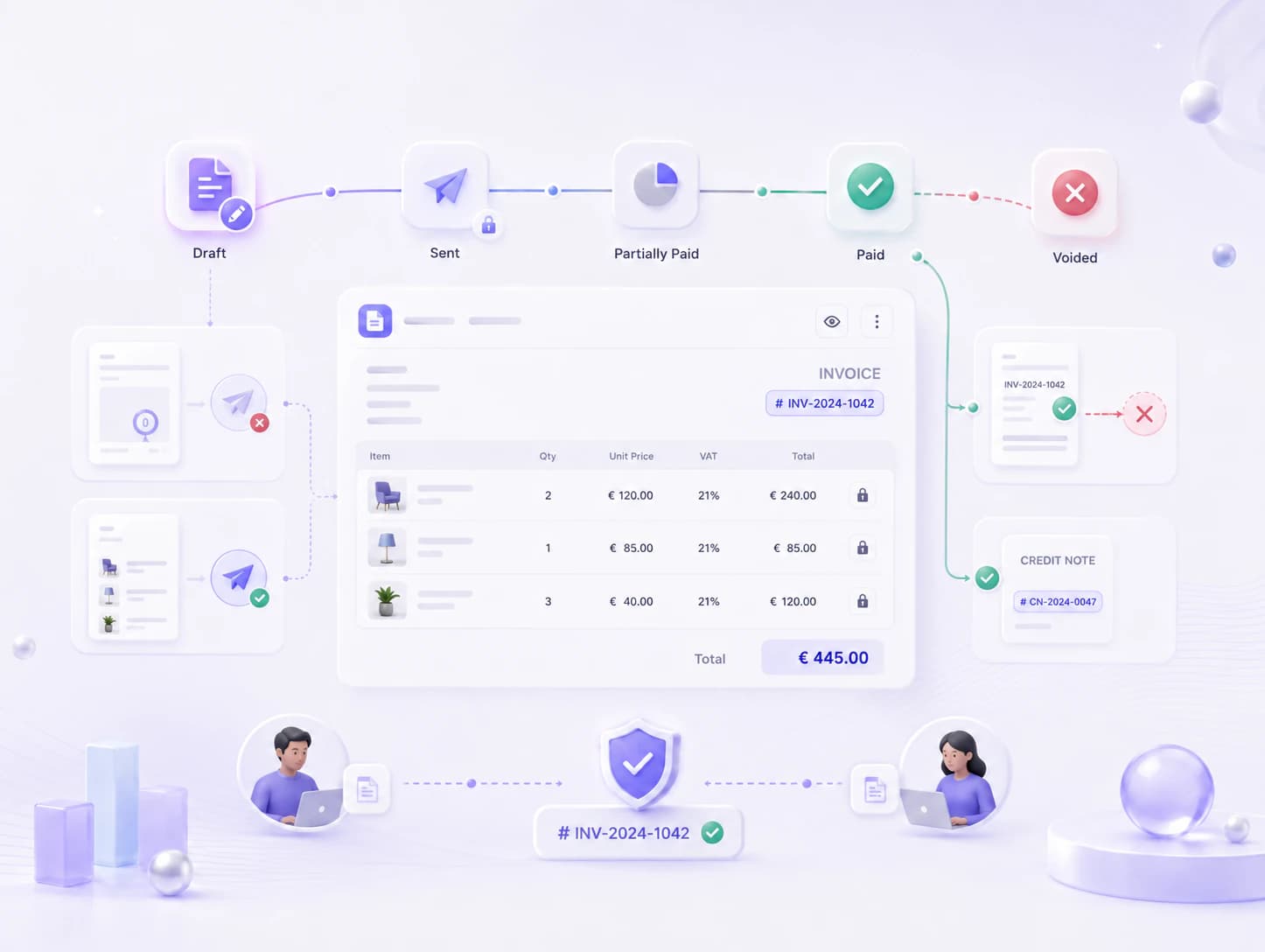
A lifecycle the system enforces
Draft, sent, partially paid, paid, voided — and illegal steps are blocked in the domain, not by office policy.
- Editing is a draft-only right; sending locks the items
- An invoice with no items cannot be sent
- Voiding a paid invoice is blocked — that is what credit notes are for
- Numbering cannot produce a duplicate, even when two people issue at once
Items and tax that compute themselves
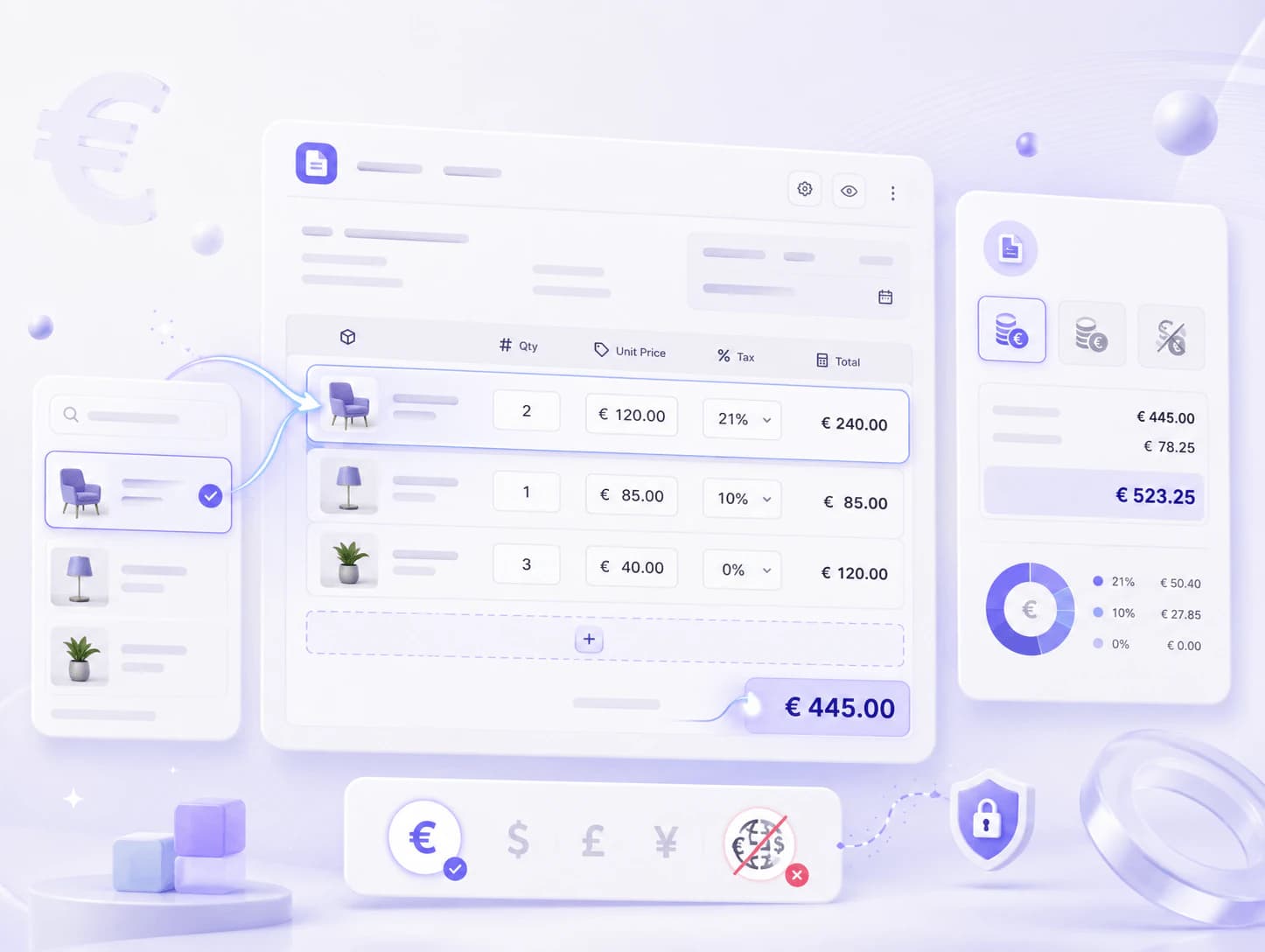
Build from the product catalog or free text; totals and tax update live as you type.
- Product picker prefills description, unit price and tax rate
- Per-line quantity, price and tax rate
- Tax-inclusive, tax-exclusive or no-tax modes, with a per-rate VAT breakdown when rates mix
- Single-currency invoices — mixing currencies is impossible by design
Payments recorded, balance tracked
Record what the customer paid; the invoice moves itself to partially paid and paid.
- Cash, bank transfer, card and manual methods
- Optional external reference for bank reconciliation
- Overpayment beyond the balance is rejected
- A payments timeline on the invoice page, behind its own permission
A PDF that carries your name
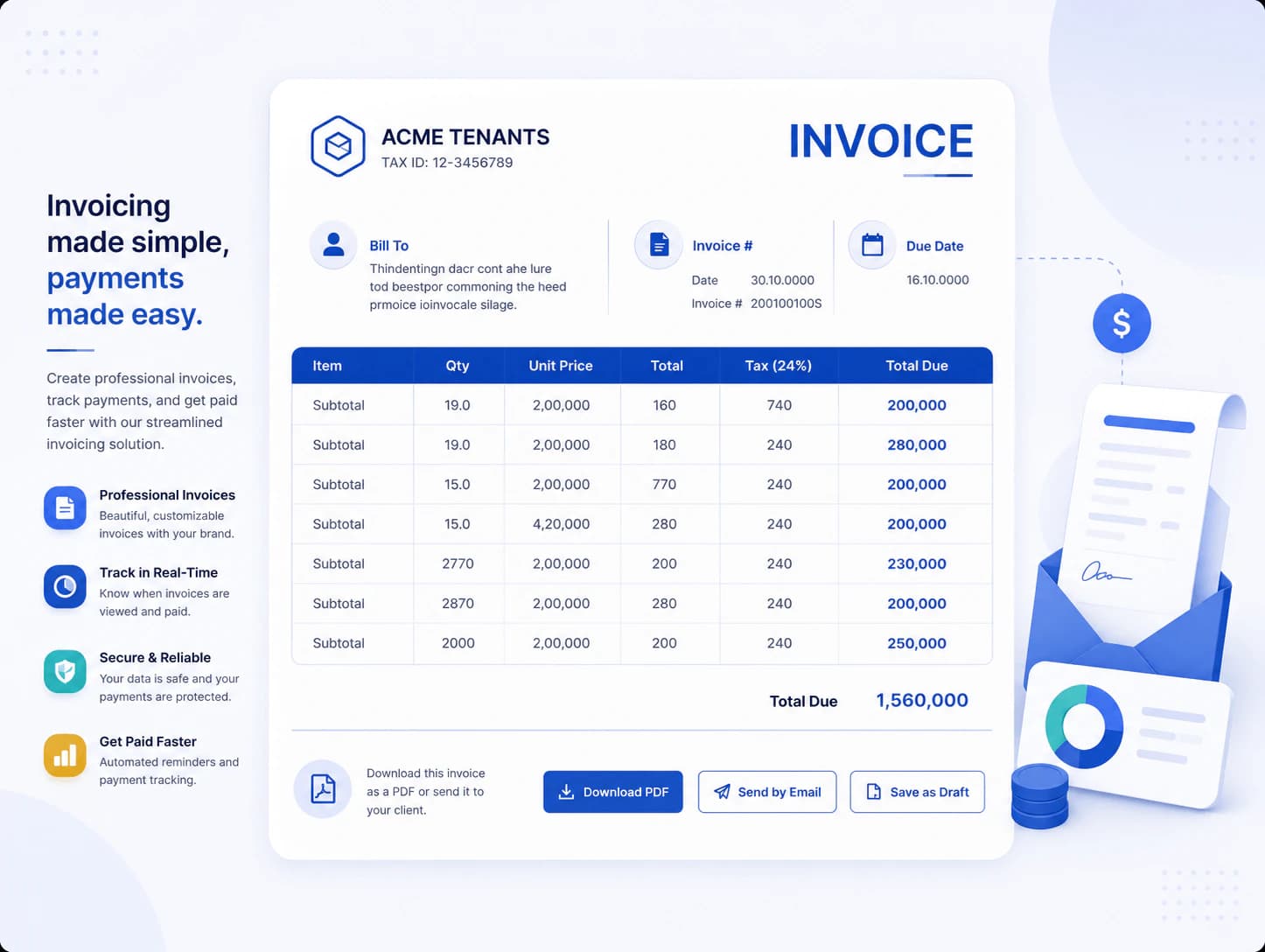
Print-quality output with the tenant's logo and tax number — emailed with one click.
- Tenant branding in the header; bill-to, items, totals and footer
- Download at any time from the invoice page
- If sending fails, the invoice stays in draft so you can retry
Credit notes, done properly
Money going back gets a formal document on its own numbering sequence.
- Drafted against an existing invoice, issued to lock
- A separate numbering sequence from invoices
- Four separate permissions: view, create, issue, void
Per-tenant settings
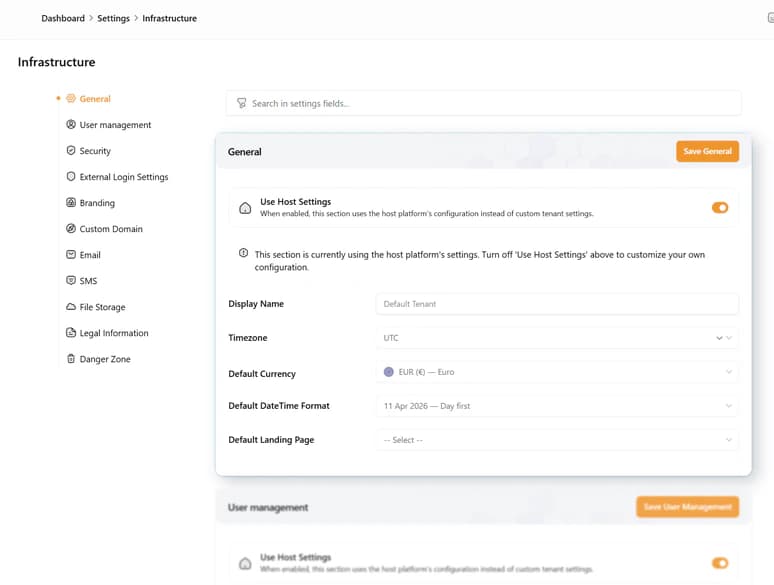
Every tenant sets its own defaults on one page.
- Default currency, tax mode and due-date offset
- Invoice number pattern with year and sequence placeholders
- Footer text and tax identification number
- Three finance dashboard widgets, and the full UI in English, Dutch and German
Worth knowing: The PDF is English only, and nothing marks an invoice overdue yet — the status and filter exist, but no job sets them. Online payment collection is the Payments module's job, reacting to invoicing's events.
What every module inherits.
- Installs from the marketplace with no redeploy — the menu and the permission list update immediately.
- Creates its own tables, in its own schema, inside that customer's database.
- Packages are cryptographically signed when they are built, and the signature is checked before the host unpacks one.
- Uninstall switches a module off and keeps its data. Dropping the tables is a separate, deliberate choice.
Works with
Want to see Invoicing running?
Thirty minutes, a live workspace, and an honest answer about what each module does and doesn't do yet. Missing a module? A custom build is a fixed-scope project, from €25.000.
Book a call